How to make product documentation easier to discover and trust
A buyer asks whether your platform supports single sign-on, exports data on cancellation, integrates with a specific system, or meets a compliance requirement. The answer may exist somewhere - but if it is buried in a sales deck, split across three support articles, or contradicted by a feature page, it can become a sales objection instead of a trust signal.
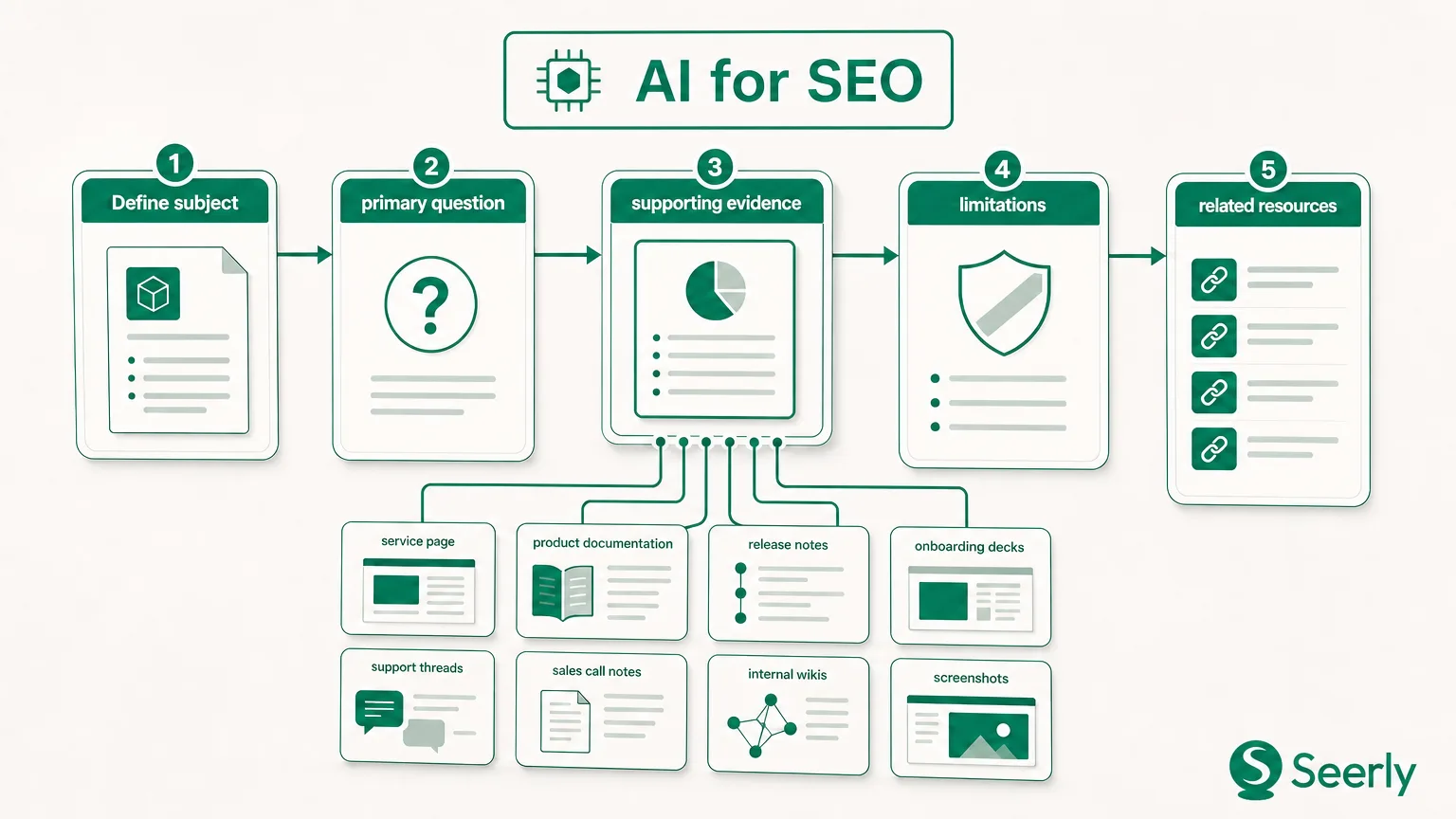
This is not simply a help-centre problem. Product documentation, commercial pages, onboarding content, and support resources form one answer system that customers, search engines, and AI-powered search experiences use to understand your product. SEO optimization tools can identify technical issues, search demand, and weak internal linking, but they cannot decide which team owns a core product fact or whether the answer is commercially complete.
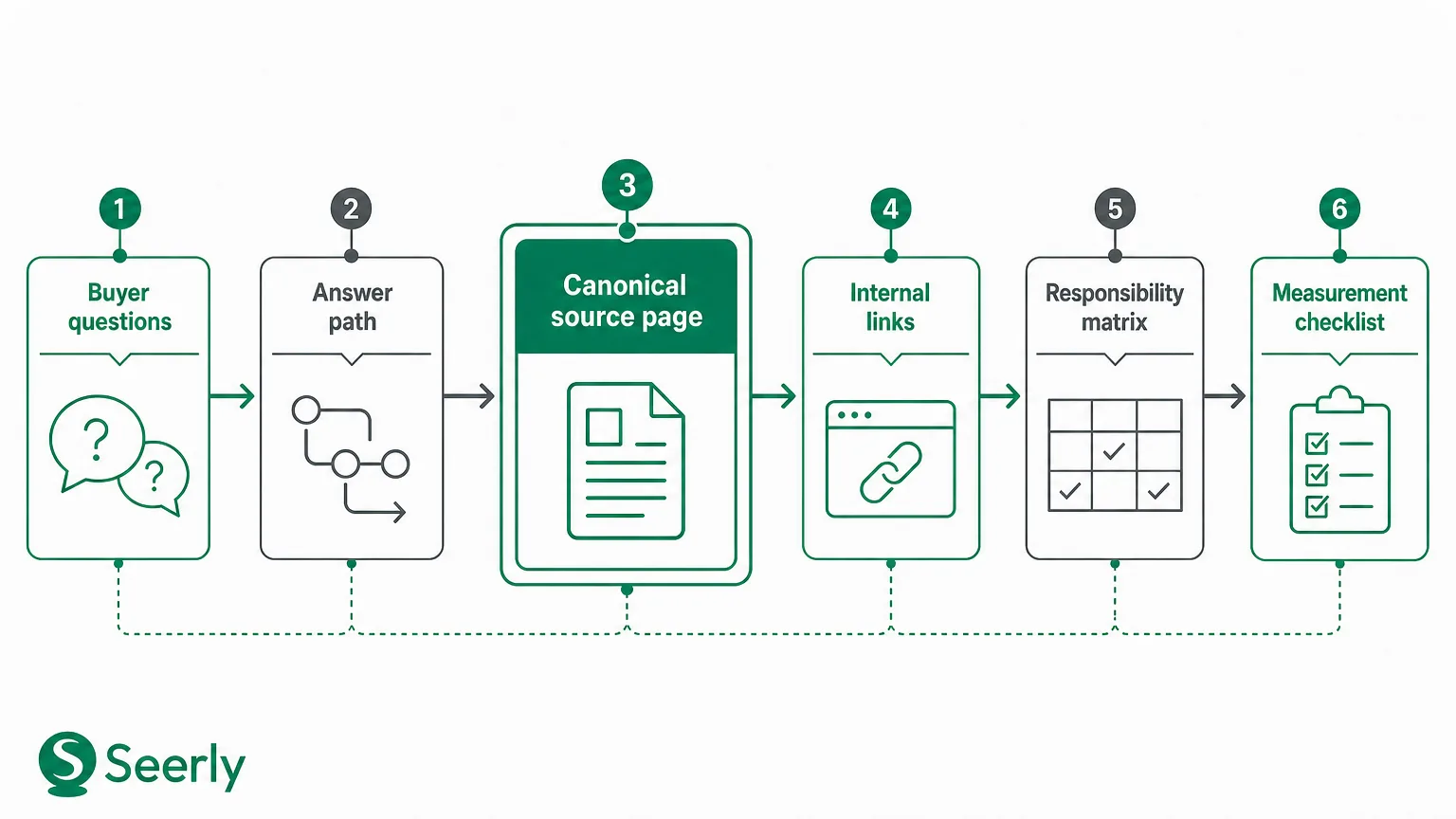
The goal is to make every high-value buyer question easy to resolve through one authoritative page: a canonical source with a direct answer, supporting evidence, meaningful links, and an accountable owner. The following framework helps content leads, product marketers, support leaders, and web teams build that system.
Identify the buyer questions that need a canonical answer
Not every question needs a dedicated documentation page. Teams that attempt to document every edge case often create a sprawling library that is hard to maintain and even harder to navigate. The first task is to identify questions with a meaningful effect on purchase decisions, implementation success, trust, or support volume.
Start by collecting questions from the people closest to customer conversations. Sales teams hear pre-sales objections; customer success and implementation teams hear onboarding friction; support teams see recurring operational problems; product marketers hear comparison questions; and security or legal teams receive trust-related requests. Capture the customer’s wording, not just the internal label for the issue.
Create a shared question inventory with five categories:
- Pre-sales: “Can this work with our current stack?” “What does this include?” “How is pricing calculated?”
- Comparison: “How does this differ from an alternative?” “Can we replace our existing process?”
- Implementation: “How long does setup take?” “What technical access or data is required?”
- Onboarding and operations: “Who can manage permissions?” “How do we configure a workflow?”
- Trust and risk: “Where is data stored?” “What happens when we cancel?” “What controls are available?”
Score questions by impact, recurrence, and risk
Prioritisation should be evidence-led rather than based on which stakeholder speaks most loudly. Give each question a score from one to five for commercial impact, frequency, customer risk, and answer instability. A question such as “Does the platform support SAML SSO?” may occur less often than a basic navigation query, but it can block enterprise evaluation and deserves a clear, maintained answer.
Use a simple prioritisation formula:
| Criterion | What to assess |
|---|---|
| Commercial impact | Could uncertainty delay, reduce, or prevent a purchase? |
| Recurrence | Does the question appear repeatedly in sales, support, search, or calls? |
| Implementation impact | Could an unclear answer create failed onboarding or avoidable tickets? |
| Trust risk | Could an inaccurate answer affect security, privacy, compliance, or contractual confidence? |
| Change likelihood | Is the fact likely to change as the product evolves? |
High-scoring questions need a canonical source page. Lower-scoring, highly specific edge cases can remain within related troubleshooting documentation, release notes, or support workflows. This distinction prevents documentation from becoming a collection of isolated answers with no information architecture behind it.
Search data can help validate the inventory. Google recommends using Search Console alongside Google Analytics to understand search performance and what visitors do after arriving on a site; teams can use this combination to connect search queries and landing-page behaviour to real customer needs. Keyword research tools, including free SEO optimization tools, are useful here - but treat search volume as one input, not the sole definition of buyer intent.
Audit the current answer path
Once you know which questions matter, test whether a visitor can reach the definitive answer from the place where the question begins. A buyer might start on a product page, through a branded search, in a feature comparison, from an onboarding email, or on a support article. The path should be short, coherent, and free of contradictions.
Consider a SaaS company whose buyers frequently ask, “Can we export all of our data if we leave?” The product page says “you own your data.” A support article explains how to export individual records. A legal page references data portability in dense policy language. None provides a direct, complete answer about available formats, permissions, timing, limitations, and what happens after account closure.
That is an answer-path failure. The problem is not lack of content; it is the absence of a source of truth.
Run a question-to-answer path check
For each priority question, begin on the page where a prospective customer is most likely to encounter it. Then work through the site as a visitor would, rather than relying on internal knowledge.
Use this checklist:
- Find the starting point. Is the question implied by a pricing page, feature page, comparison page, demo video, support ticket, or search query?
- Look for the first answer. Does the page answer directly, or does it use broad marketing language that sends visitors elsewhere?
- Trace every link. Can a visitor reach a detailed answer in one or two intentional clicks?
- Compare related pages. Do the feature, help-centre, legal, and commercial pages use compatible terminology and describe the same scope?
- Check search entry pages. Does the page likely to rank for the question actually answer it, or merely mention the topic?
- Record gaps and conflicts. Mark content as missing, buried, duplicated, outdated, technically inaccessible, or contradictory.
Internal links are part of this audit, not a finishing touch. They help users continue their research and clarify how pages relate. They also give search systems clearer signals about a site’s structure. Teams reviewing broader AI-ready content can apply a similar discipline through an editorial claim-ledger review system, which makes it easier to track where important product statements appear and whether their evidence is current.
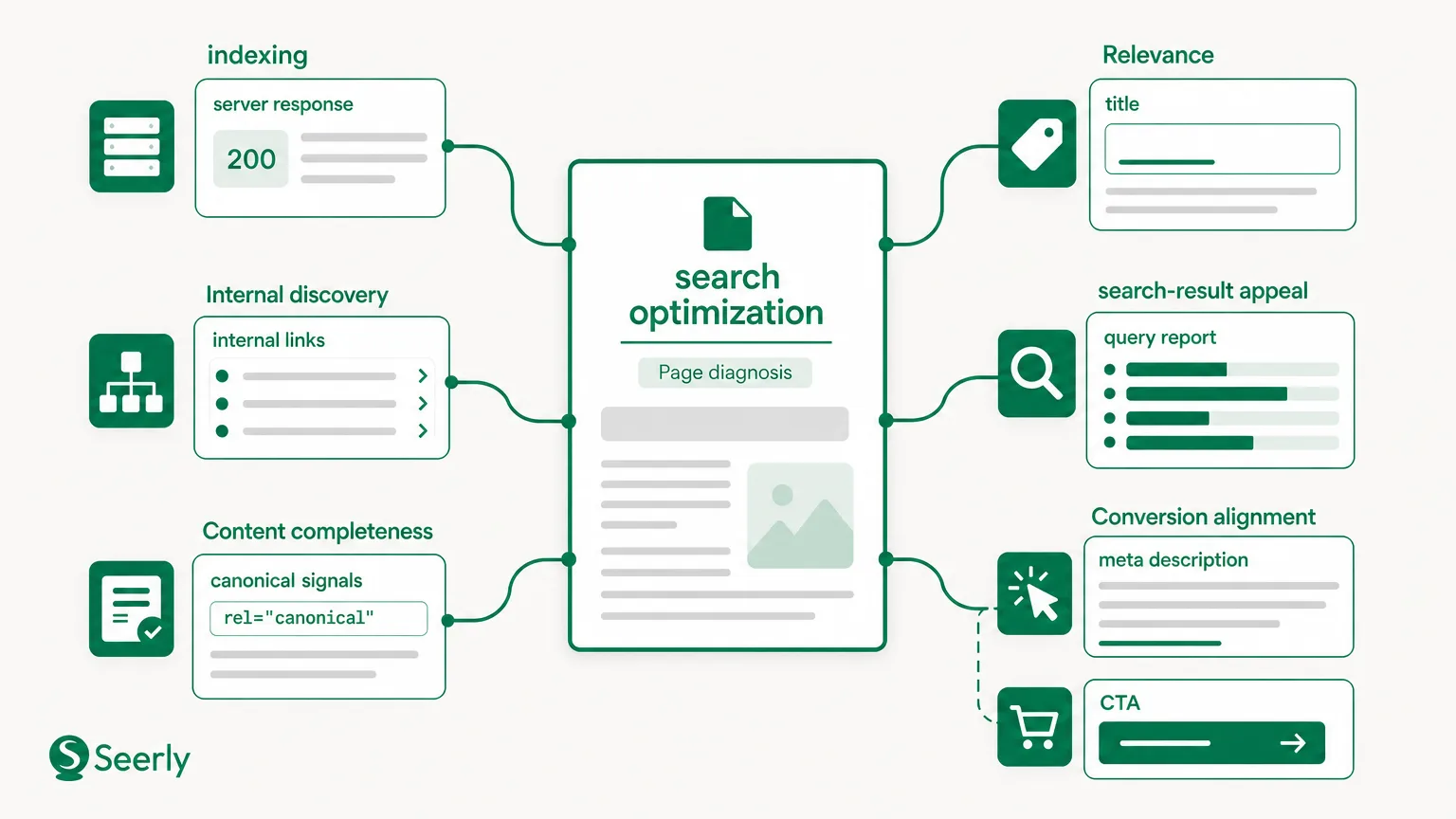
Technical accessibility still matters. A canonical page cannot earn discovery if it is slow, blocked, poorly rendered, or difficult to use on common devices. Lighthouse can assess page quality across performance, accessibility, best practices, and SEO through automated page audits, while PageSpeed Insights reports both lab and field-oriented performance information. Use these SEO optimization tools to remove delivery barriers after the editorial answer is sound - not as a substitute for it.
Design a canonical source page
A canonical documentation page is not merely the page your team prefers to share. It is the page that gives the clearest, most complete, and most maintainable answer to a product fact. It should be specific enough to resolve uncertainty while being honest about conditions, limits, and product boundaries.
For example, a page on SSO should not open with “Enterprise-grade identity management.” It should first state which SSO methods are supported, which plans include them, what an administrator needs before setup, and where technical configuration instructions live. The reader should not need to infer the answer from promotional language.
Use this page blueprint
A strong canonical page can follow the structure below.
| Page component | Purpose |
|---|---|
| Direct answer block | Resolves the primary question in the first section using plain language. |
| Definition | Explains product-specific terms, roles, or prerequisites. |
| Scope and eligibility | States plans, regions, permissions, editions, or technical conditions that apply. |
| Evidence | Links to technical specifications, policy documentation, screenshots, release notes, or verified examples. |
| Limits and exceptions | Explains what is not supported, partial support, dependencies, and known constraints. |
| How it works | Gives practical steps or an implementation overview appropriate to the reader. |
| Related paths | Links to commercial pages, setup instructions, troubleshooting, and policy information. |
| Ownership metadata | Shows a “last reviewed” date and identifies the responsible team or product area. |
The direct answer should be written so a sales representative, support agent, buyer, or AI system can quote it without removing essential conditions. This does not mean reducing complex facts to a simplistic yes or no. It means putting the qualified answer first, then explaining the nuance.
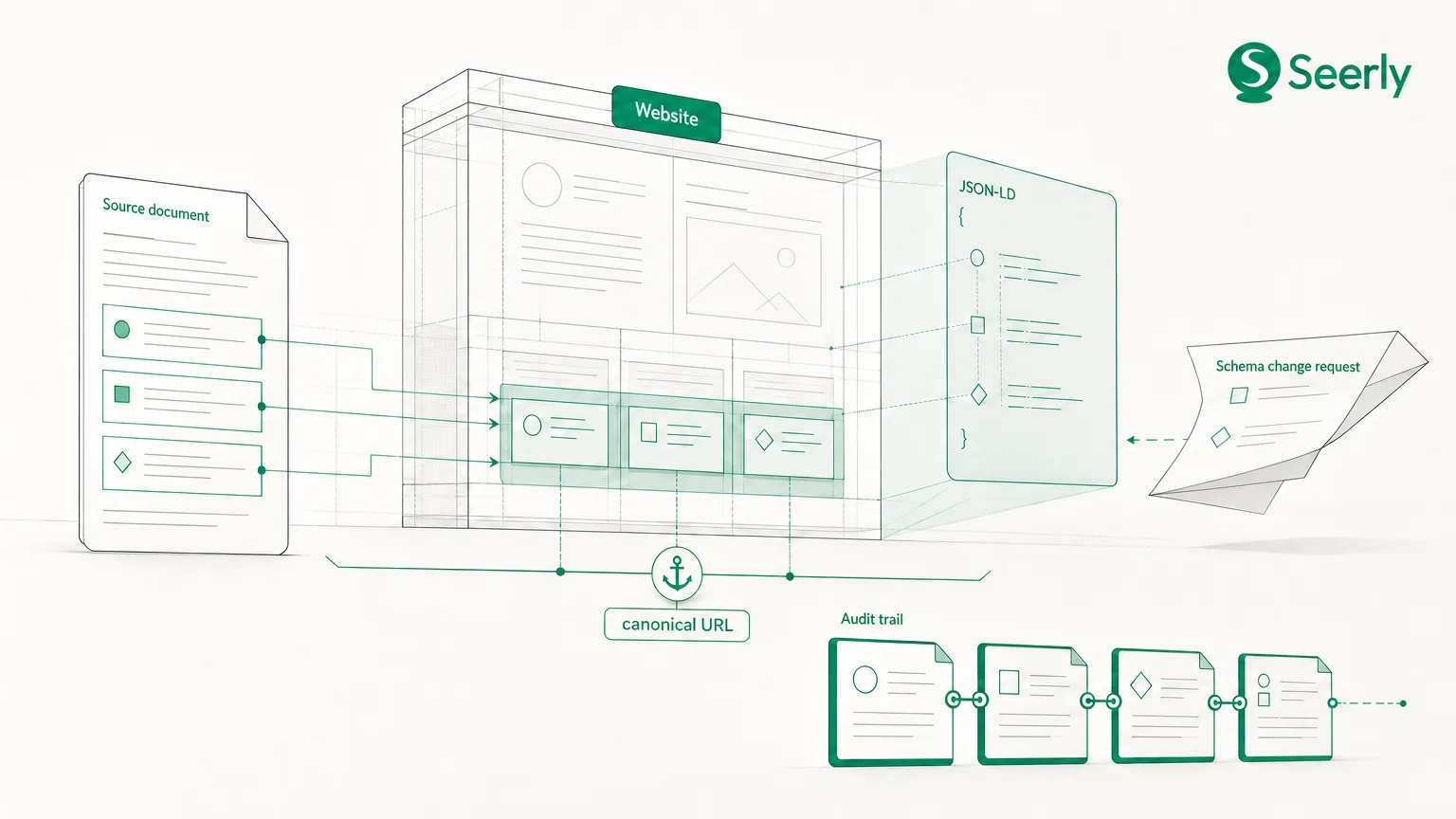
Use structured data only when it accurately represents visible page content and fits an eligible schema type. Google explains that structured data can help it understand page information and may make pages eligible for enhanced search appearances, but it does not guarantee a specific result format. Follow Google’s structured-data implementation guidance rather than adding markup to compensate for thin or unclear copy.
Make evidence usable, not performative
Trust comes from verifiable detail. A page that says “secure by design” is weaker than one that defines access controls, relevant configuration options, limitations, and links to current security documentation. Likewise, “easy integration” should point to supported systems, setup requirements, API references, or implementation guides.
Evidence must also match the claim. Do not use customer logos to prove a technical capability, or use a general policy page to answer a product-specific operational question. When documentation names its scope and links to the evidence behind it, it becomes more useful for due diligence and less likely to create downstream clarification work.
Connect documentation to the wider content system
The canonical page should be the authority for a core fact, but it should not be the only page that discusses the subject. Product, marketing, support, and technical content have different jobs. The system works when each page contributes context while linking readers back to the authoritative answer for facts that must remain consistent.
A feature page may explain the business outcome of role-based permissions. A use-case page may show how a particular team applies them. A setup guide may document configuration. A troubleshooting article may cover common errors. The canonical permissions page should define available roles, their boundaries, and the applicable product scope.
Build an editorial linking model
First, identify the canonical page for each priority fact. Record its URL in a documentation map and make it the required reference point whenever another team publishes a related claim. This reduces the chance that a campaign page becomes the accidental authority simply because it was published more recently.
Second, write each linking relationship intentionally:
- Commercial pages link to canonical documentation when they make a capability claim.
- Canonical documentation links to commercial pages when readers need plan context, a demo, or a use-case explanation.
- Support and implementation pages link to canonical documentation when they rely on a core definition, entitlement, or limitation.
- Technical documentation links outward to configuration instructions, API references, and release notes.
- Comparison content links to source pages instead of making unsupported summary claims.
Third, standardise terminology. If marketing calls a feature “real-time reporting,” product documentation calls it “scheduled analytics,” and support refers to “dashboard refresh,” the reader cannot easily establish what is true. Maintain approved language for product names, capability definitions, plan labels, and limitations. This is especially important for pages that may surface in AI search, where ambiguous or inconsistent claims can lead to inaccurate representation.
Documentation also benefits from the same operational attention given to broader visibility work. A practical weekly content decision system for lean teams can help teams turn findings into assigned actions rather than letting audits sit in a spreadsheet. The key is to make documentation review part of publishing and product-change workflows.
Establish maintenance ownership
A page cannot remain authoritative without an owner. “Owned by marketing” or “owned by product” is usually too vague because documentation quality depends on expertise, editorial judgment, technical implementation, and publishing operations. Assign clear responsibilities instead.
Use a responsibility matrix
| Role | Primary responsibility | When they act |
|---|---|---|
| Product owner | Confirms feature behaviour, roadmap-sensitive wording, plan availability, and limits | Product changes, pricing or packaging updates, feature launches |
| Subject-matter expert | Validates technical, security, legal, or operational accuracy | Policy changes, configuration updates, incident learnings |
| Content editor | Makes the answer clear, consistent, complete, and connected to related pages | Scheduled reviews and any substantive source update |
| Support leader | Flags recurring confusion, ticket patterns, and missing edge-case guidance | Ongoing, with a monthly question review |
| Web or SEO team | Maintains templates, redirects, metadata, internal links, indexability, and performance | Publication, migration, technical changes |
The product owner should be accountable for factual accuracy, but not expected to write every revision. The content editor should be accountable for the page’s clarity and consistency, while subject-matter experts approve claims within their specialty. This separation avoids a common bottleneck: knowledgeable teams delay updates because they believe they must also produce publish-ready copy.
Maintain a revision log on every critical page. At minimum, record the date, change summary, trigger, fact owner, reviewer, and links affected. Review triggers should include product releases, packaging changes, policy updates, repeated support questions, sales objections, evidence that customer language has shifted, and contradictions found during content audits.
Measure whether the structure is working
The purpose of this framework is not to increase documentation output. It is to improve discovery, reduce uncertainty, and protect the accuracy of how your product is represented. Measurement should therefore combine search, engagement, support, sales, and AI-search research signals.
Start with page-level discovery. Monitor impressions, clicks, query patterns, and landing pages in Search Console, then compare them with onsite behaviour in analytics. Do not treat estimated third-party traffic as a precise replacement for first-party reporting: Ahrefs notes that traffic estimates are directional rather than exact. Use estimates for competitive context, but make decisions about your own documentation from your own verified data.
Use a practical measurement checklist
Review the following monthly for high-priority canonical pages:
- Search impressions and clicks for question-led queries.
- Changes in search-entry patterns: are visitors landing on the canonical answer rather than an outdated or peripheral page?
- Engagement signals, including scroll depth, next-page journeys, documentation search refinements, and assisted conversions where available.
- Support-ticket volume and conversation themes for the question the page is meant to resolve.
- Sales-call notes and objection tracking to see whether the same uncertainty persists.
- Internal-link coverage from feature, pricing, use-case, and support pages.
- Cited-source appearances and the factual accuracy of product descriptions encountered in AI-search research.
- Review-date compliance and unresolved contradictions in the documentation map.
For AI search visibility, test representative buyer scenarios at a consistent cadence and record whether answers reflect your current product facts, qualifications, and terminology. If an AI-generated response cites an outdated page, treats a feature limitation as universal, or fails to locate the answer, investigate the source path. A visibility platform can support this work by connecting brand citation monitoring, competitor benchmarking, and page-level AI-readiness findings - but the canonical documentation itself remains the foundation.
Frequently asked questions
Are free SEO optimization tools enough to audit product documentation?
Free online SEO optimization tools can help identify crawl issues, page speed concerns, broken links, search-query patterns, and basic on-page gaps. Google’s Search Console and analytics integrations are particularly valuable for understanding how people find and use content. However, no tool can determine whether your pricing page, sales enablement materials, documentation, and support content make the same qualified claim; that requires cross-functional review.
Should every feature have its own documentation page?
No. Create dedicated canonical pages for facts that materially influence buying, trust, implementation, or recurring support demand. Minor settings and low-frequency edge cases can sit within broader feature documentation, provided users can still find them through a logical information architecture and internal links.
How often should canonical documentation be reviewed?
Review cadence should reflect change risk. Pages covering security, pricing, data handling, integrations, permissions, and product availability often need event-driven reviews as well as scheduled checks. A quarterly review may be suitable for stable concepts, but any material product, policy, or packaging change should trigger an immediate factual review.
Make one answer authoritative
Discoverable documentation is built through decisions, not volume. Identify the buyer questions that matter most, test the path from question to answer, create one canonical source page, connect that page to commercial and support content, and assign a clear owner for ongoing accuracy.
Choose one frequently asked buyer question this week. Nominate its canonical source page and complete a documentation map with the direct answer, supporting evidence, inbound and outbound links, accountable owner, and next review date. For teams also working to measure how reliable site content appears across AI-powered search, Seerly can help connect visibility monitoring with the content improvements that strengthen trust.