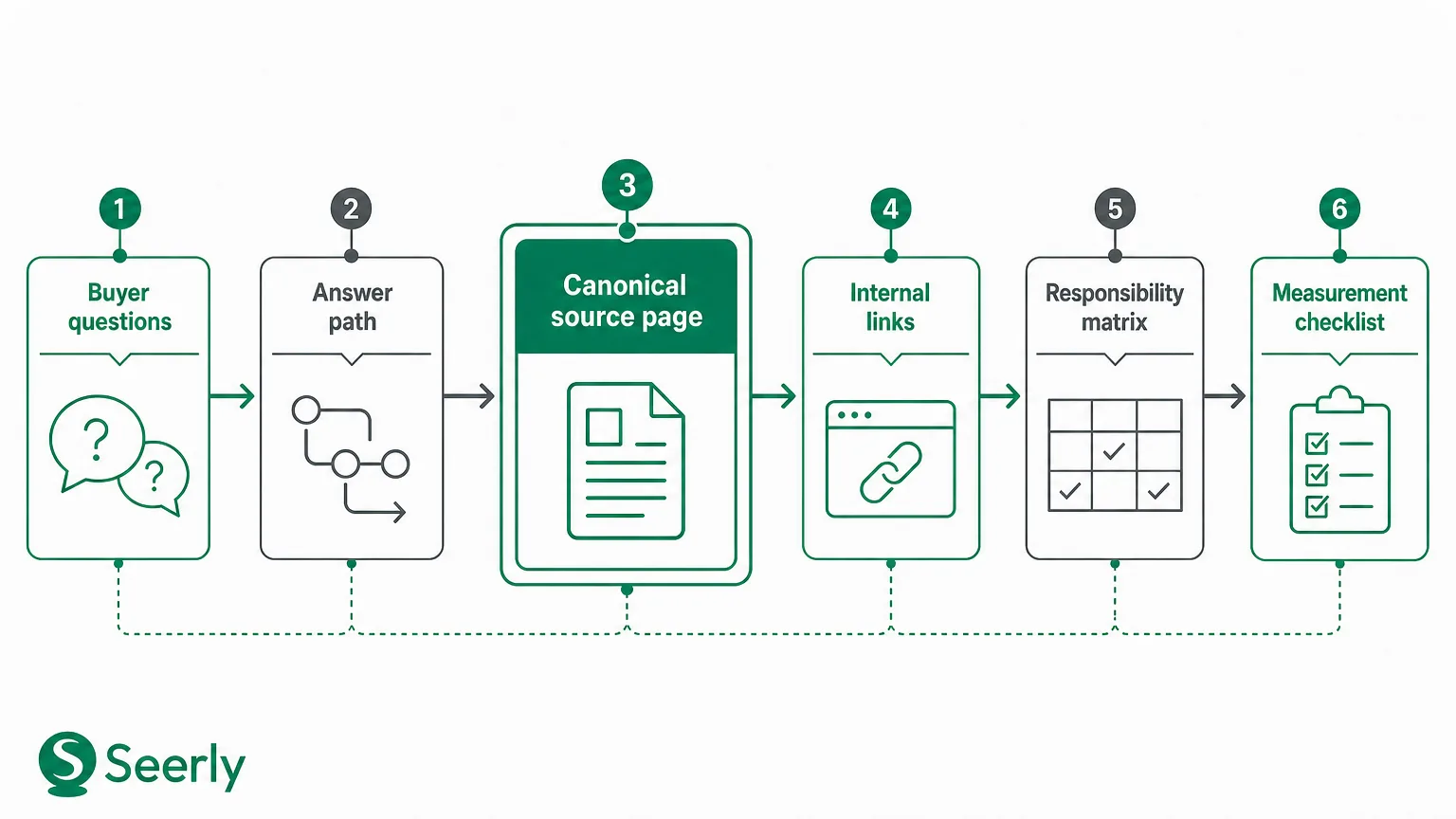
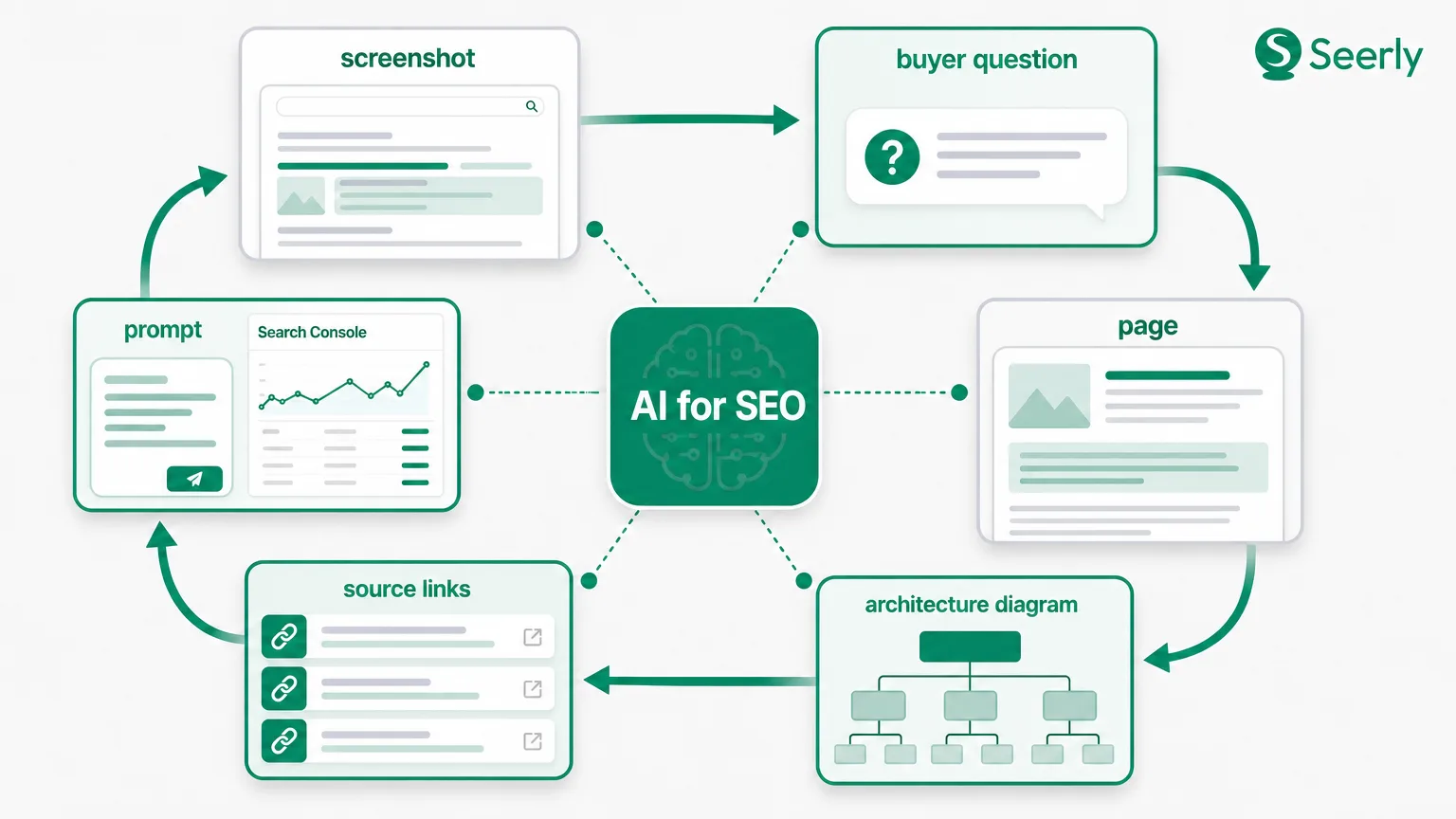
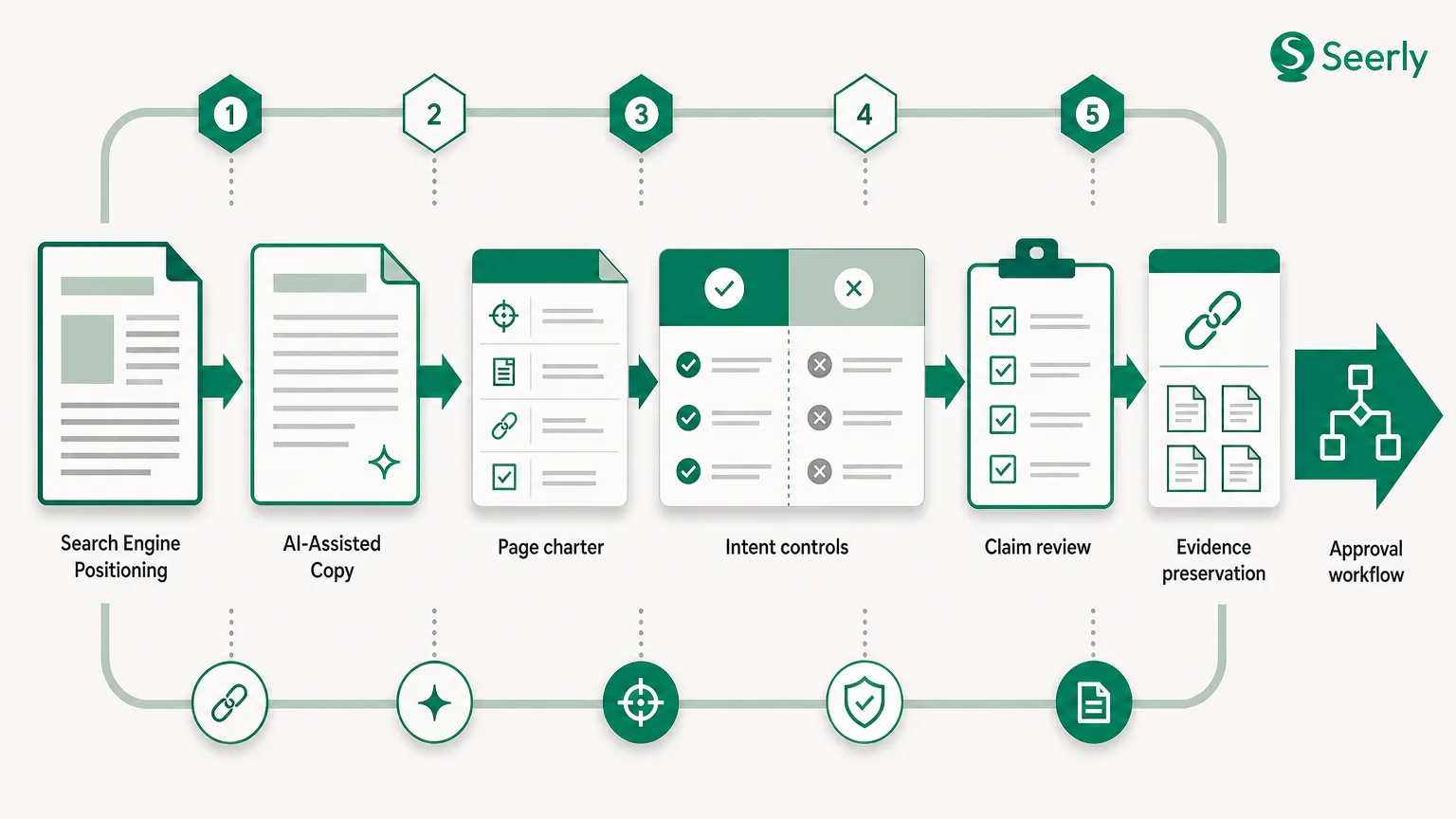
A content refresh system for pages losing organic search visibility
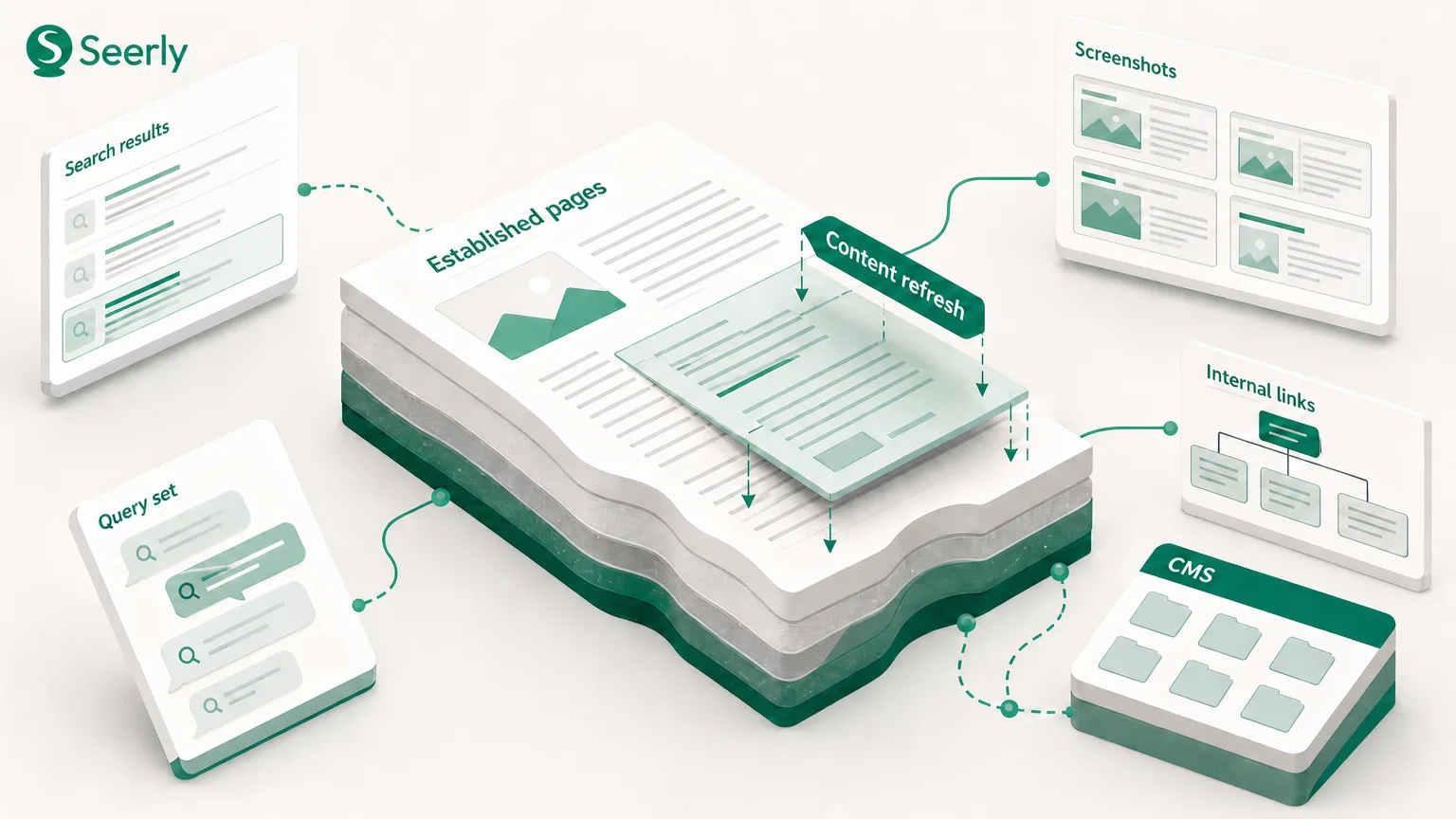
A page that once brought in qualified traffic can start slipping for reasons that have nothing to do with bad writing. Search demand may have cooled. A competitor may now better answer the query. The page could still rank, yet attract fewer clicks because the result no longer matches what searchers expect to find.
That’s why the default response, “rewrite it,” wastes time more often than teams admit. A rewrite can remove useful sections, change a page’s relevance for its existing queries, and blur the evidence behind whatever happens next. You end up with a new page, a changed result, and no reliable explanation.
The most practical SEO advice is less dramatic: diagnose the loss before you edit. Treat every refresh as a documented test. Find the most likely cause, make the smallest defensible change, and watch the right evidence after release. It’s slower for an afternoon. It’s much faster across a content library.
Content refresh definition: A content refresh is a documented update to an existing page that addresses a verified weakness in relevance, accuracy, usability, technical access, or topical context. It is not a synonym for replacing the whole page.
Start SEO advice with diagnosis, not a rewrite
A dip in clicks isn’t a diagnosis. Search Console performance data can separate falling impressions from falling click-through rate, while Google Analytics can show what visitors do after landing on the page. Google’s own guidance on connecting Search Console and Analytics is useful here because the two views answer different questions: search demand and landing-page behaviour are not the same signal.
Use a simple decision tree before opening the CMS:
-
Are impressions down while average position is stable? Check query demand, seasonality, and whether Google now frames the topic differently. A page about annual planning will behave differently in January and October. Don’t “fix” a demand problem with 2,000 extra words.
-
Have rankings moved for queries that still generate impressions? Compare the current results with the version of the page that earned visibility. Look for competitors answering the question faster, using fresher evidence, or covering an angle your page skips.
-
Are facts, screenshots, prices, regulations, or product details stale? Outdated details create a trust problem even when the page’s overall structure still works. Mark each claim that has an expiry date, then update only what evidence says is wrong.
-
Can users and crawlers reach the page without friction? Check index status, canonical tags, rendering, mobile usability, load behaviour, and internal links. Google explains that crawlable links help it discover related pages, so a page buried behind weak navigation may need a route, not a rewrite.
-
Does the page answer the wrong job? This is common. A page may target a broad phrase while serving buyers who have already decided what they need, or it may push a demo when readers only want a definition.
I’ve watched teams spend weeks rewriting a page that had simply lost an important internal link during a navigation update. Not ideal. The fix took 20 minutes once somebody checked the path.
Reconfirm the job the reader hired the page to do
Search intent is not a label you apply once during keyword research. It changes as the language around a problem changes, as product categories mature, and as people arrive with more context. Google’s people-first content guidance points in the same direction: write for a real audience and a real purpose, not a ranking formula.
Here’s a worked example. A B2B software company had a page called “Customer feedback software.” Its old structure opened with product screenshots, pricing language, and a “Book a demo” button. Yet the page’s leading queries were “how to collect customer feedback,” “customer feedback examples,” and “feedback questions for SaaS.”
The mismatch was obvious once the team read the query set. Visitors came to plan a process, not select a vendor. They landed on a sales page and left before reaching the one useful section, a small list of survey questions, hidden near the bottom.
Before the refresh, the page looked like this:
-
Product promise and feature blocks
-
Demo call to action
-
Pricing comparison
-
A brief question template
After the refresh, the team retained the product section but changed the order:
-
A short explanation of when to collect feedback
-
Twelve usable questions, grouped by customer moment
-
An example workflow with an accountable owner
-
Comparison notes for surveys, interviews, and in-product prompts
-
A product section for readers ready to evaluate tools
That change doesn’t reject commercial intent. It respects sequence. Readers with an early-stage question get a usable answer first, while readers farther along still have a clear next step. The thing is, page intent often fails at the level of order, not just topic.
Check the search results, query wording, on-page scroll depth, and the next pages users visit. Then ask a plain question: what would count as a successful visit for the person behind this query? If your answer is “click our demo,” you’re describing your job, not theirs.
Make the evidence harder to copy
Refreshing dates alone won’t make a page more useful. A credible page carries signals that somebody knowledgeable reviewed the details and can defend them later. Search systems and human readers both have plenty of thin summaries to choose from.
Run an evidence check before publishing:
-
Original examples: Add a scenario from your own work, product, or customer research. Generic advice feels slippery when nobody shows how it plays out under real constraints.
-
Claim support: Link or cite the source behind non-obvious claims. If a claim comes from internal data, state the sample, period, and limitation instead of dressing it up as a universal rule.
-
Named owners: Assign a subject-matter owner to important pages. “Reviewed by the product team” says little; a named role or expert creates accountability.
-
Dates: Show when volatile information was checked, especially for regulation, pricing, platform changes, and product specifications.
-
References: Replace vague phrases such as “studies show” with the source that supports the statement.
-
Comparison points: Help readers choose between approaches. A good comparison names the condition under which one option makes more sense than another.
For example, “use video for product education” is weak advice. A more helpful section explains that a product demo video can suit evaluation-stage visitors, while a written implementation checklist suits a reader comparing workflows. Seerly’s guide to product demo video SEO is a useful example of matching format and search purpose rather than treating every page as interchangeable.
Originality doesn’t require proprietary research every time. It can be a properly attributed example, a candid limitation, or a decision rule your team uses. Honestly, the most persuasive sentence on many pages is the one that explains when the advice does not apply.
Build a path through the site, not a pile of articles
A priority page rarely stands alone. Its performance depends partly on whether the rest of the site makes its topic clear. Internal linking should guide a reader from a broad question toward more detailed help, then toward a decision page if that’s appropriate.
Picture a content hierarchy for “content refresh process”:
SEO advice hub
├── Content refresh process (primary page)
│   ├── Search intent review
│   ├── Evidence checklist
│   └── Internal linking audit
├── Technical audit guide
└── Reporting and measurement guide
The primary page should link down to focused supporting articles where the reader needs detail. Those support pages should link back using descriptive anchors such as “content refresh process” or “review search intent,” rather than a foggy “read more.” Nearby pages can also link across when a reader naturally needs both topics, such as evidence review and source monitoring.
Keep the hierarchy honest. Five pages that repeat the same answer aren’t a topic cluster. They’re duplicates competing for the same attention. In that case, consolidation may make more sense than building more links.
AI search adds another reason to clean up the path. Brand descriptions can vary across search experiences, so teams should compare what their own pages say with the answers appearing for relevant prompts. The reporting model in Seerly’s AI visibility and organic traffic KPI guide can help keep those observations beside search data instead of treating them as a separate mystery.
Match the intervention to the evidence
Not every page needs the same treatment. I personally prefer a four-level intervention model because it forces the team to state why the selected scope matches the diagnosis.
| Intervention | Use it when | What changes |
|---|---|---|
| Metadata adjustment | Rankings hold but click-through rate has weakened, or the title misstates the page’s value | Title, description, on-page heading, and search snippet cues |
| Section update | One portion contains stale facts or misses a clear sub-question | Affected copy, examples, references, and relevant internal links |
| Structural rebuild | The page answers the right broad topic but serves the wrong journey stage or buries the answer | Information order, headings, format, calls to action, and supporting sections |
| Consolidation | Several URLs compete for the same intent with thin or overlapping coverage | A single stronger URL, redirects where appropriate, and revised internal links |
Start with metadata only when the page itself satisfies the query. A more attractive title can’t rescue a weak answer for long. Google’s SEO starter guide makes the useful distinction: descriptive titles and headings help search engines and people understand content, but they do not replace useful material.
Section updates work well for pages with one rotten plank. A 2022 statistic, an old interface screenshot, or a missing comparison can drag down trust without invalidating the whole page. Structural rebuilds are for the buyer-journey problem discussed earlier. Consolidation fits duplicate intent, especially after years of publishing similar posts under different campaign names.
Document the choice in the update record. Write down the baseline date, affected queries, suspected cause, change scope, owner, and review date. That paperwork sounds dull. It stops the team from crediting the wrong change when a page moves later.
Don’t declare victory after a week
Release day starts the measurement window. Rankings can wobble after recrawling, demand can shift, and other pages may change at the same time. Early movement is an observation, not proof.
Use a monitoring checklist over a period that fits the query volume:
-
Indexing and page health: Confirm the intended canonical URL is indexed, the sitemap contains the page, and important internal links still work. Google’s sitemap guidance explains how sitemaps support discovery, but they don’t replace clear internal paths.
-
Search performance: Track impressions, clicks, click-through rate, and average position for the page’s priority query groups. Compare equivalent periods where seasonality matters.
-
Engagement: Review landing-page engagement, scroll behaviour, conversions, and next-page paths. Higher traffic with poorer engagement may mean you matched a broader but less useful query.
-
Source accuracy: Recheck citations, screenshots, named owners, and time-sensitive claims after publication. Someone will eventually change the product interface. They always do.
-
AI search observations: Record whether the brand or page appears in answers for a fixed prompt set, what claims those answers repeat, and where the representation differs from your source material. Treat those observations as directional until you have repeated measurements.
Search result clicks are also changing. A 2025 Pew Research Center analysis found that users clicked traditional search results less often when an AI summary appeared. That makes impression, ranking, click, and AI-search monitoring more useful together. A drop in clicks may not mean a page became worse.
Frequently asked questions
How often should we refresh established content?
Review priority pages on a schedule tied to volatility and business value, not a blanket calendar rule. Product pages with changing details may need quarterly checks, while a stable explanatory article may only need review when rankings, engagement, or source accuracy changes. Keep a short watchlist so the team sees decline before it becomes a rescue job.
Should we change a page’s URL during a refresh?
Usually, no. Keep the URL if the page still serves the same topic and intent. Change it only when the existing address misrepresents a major repositioning, then use a documented redirect plan and update internal links.
Can AI-generated copy solve a declining page?
It can speed up drafting, comparison, and gap-finding. It cannot verify a claim, know your customer context, or decide whether two pages should be consolidated. Review source quality and intent manually, particularly when the page affects a buying decision.
Pick one declining priority page this week. Document its diagnosis before anyone edits it, choose the smallest justified intervention, and track search and AI-search evidence beside the update record in Seerly. Learn more at Seerly.